
SmartFormify Form Endpoint
Connect Your FormKeep Responses Together
Have an existing form? Just point your action URL to SmartFormify. Need a quick form? Use our built-in builder to launch one in seconds
Connect your current form
Build a new form
One dashboard for every website
How it works
Product preview · Sample data
Form
The form already on your website
Name
Message
SmartFormify endpoint
Submission destination
Use as your form destination or send JSON
Response
Saved in SmartFormify Responses
Used across these websites



More
Endpoint - Developers, Agencies and Businesses
Stop Building a Separate Form Backend for Every Project
Use SmartFormify to receive website form submissions without creating and maintaining a separate backend for each project. When the project also needs a new form, create it using the same platform.
Endpoint examples
html
<form
  action="https://api.smartformify.com/fe/YOUR_ENDPOINT_KEY"
  method="POST"
>
  <label>
    Name
    <input name="name" required>
  </label>

  <label>
    Email
    <input type="email" name="email" required>
  </label>

  <label>
    Message
    <textarea name="message" required></textarea>
  </label>

  <button type="submit">Send</button>
</form>
Form Builder
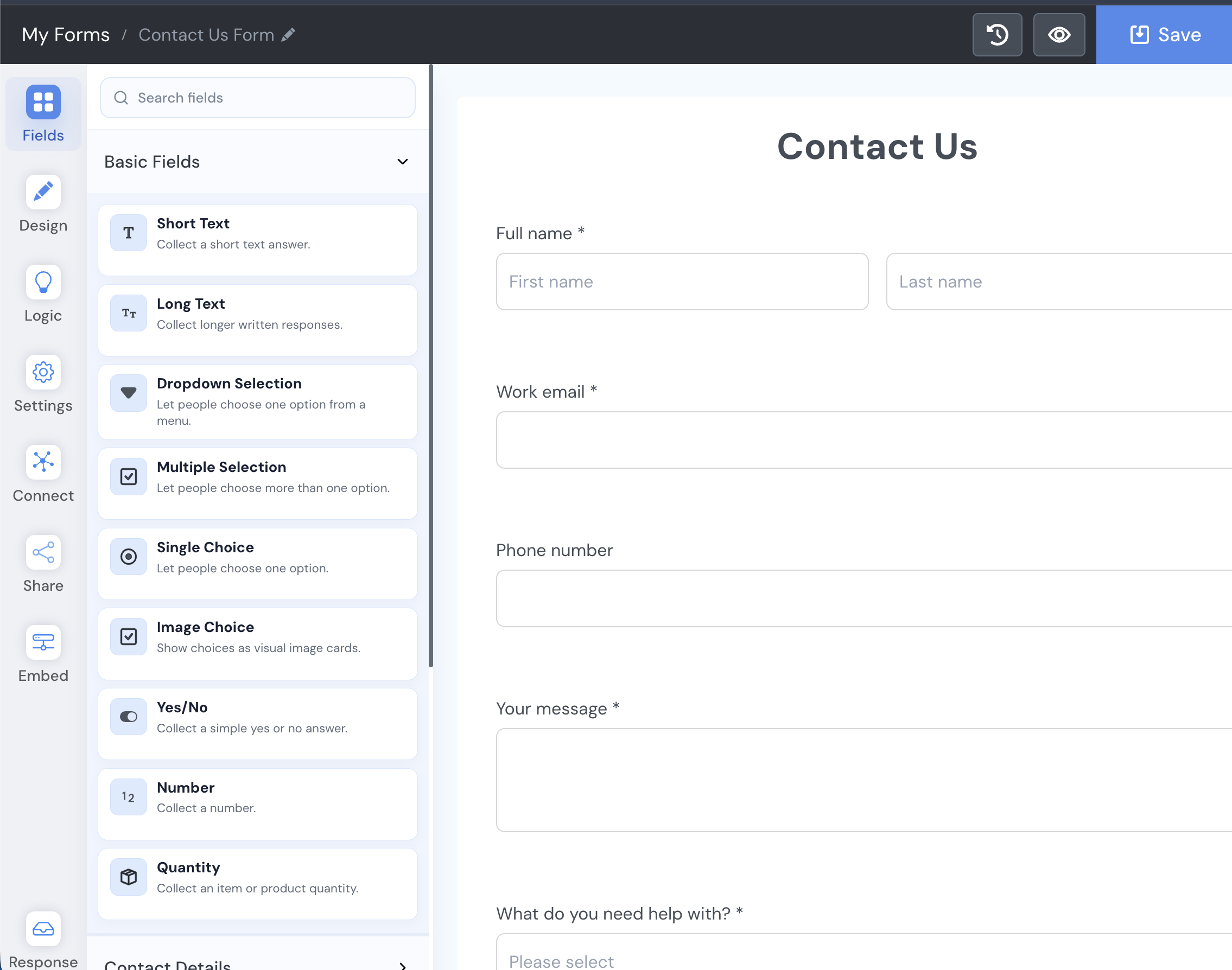
Need a New Form? Build One.
Create a branded form with SmartFormify and publish it using a hosted page or embed it on a website. Use the same dashboard to manage responses, notifications and integrations.
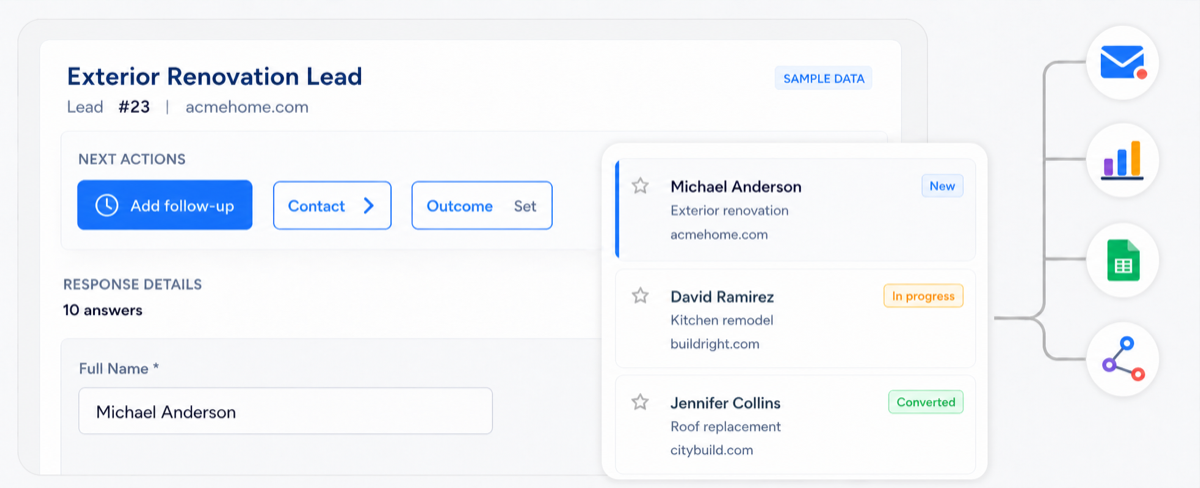
Review website submissions and follow up
Use the response inbox to review answers, add notes, set follow-up status, record outcomes, and export responses.
Spot new submissions quickly
Track follow-up status
Keep notes with each response
Record outcomes after review
Review response statistics
Response inbox and follow-up workflow
For web agencies
Manage Forms Across Client Websites
Connect forms from multiple client websites and manage their submissions from one place. When a client does not already have a form, create one with the SmartFormify Form Builder.
SmartFormify for agencies01
Connect or create forms for each client website
02
Route notifications to the right client or contact
03
Keep submissions, notes and follow-up organized
04
Manage integrations for each workflow
Examples of SmartFormify at work
New quote request received
ACME.com submitted the website quote form.
New response email alert delivered
The new enquiry reached the shared sales inbox.
Automatic reply sent to the customer
Priya received a branded confirmation email.

Lead added to Google Sheets
The quote request was added to the lead sheet.

New lead shared in Slack
The sales channel received the lead summary.
Follow-up reminder created
Jordan will follow up with ACME this afternoon.
Response marked important
Bloom Studio feedback was flagged for review.
Weekly response statistics updated
All connected websites recorded 42 submissions.