
Product features
Build forms people can answer, then manage every enquiry in one place
SmartFormify is built around the full website enquiry path: create a branded form, publish it where visitors ask for help, and keep the response clear enough for follow-up.
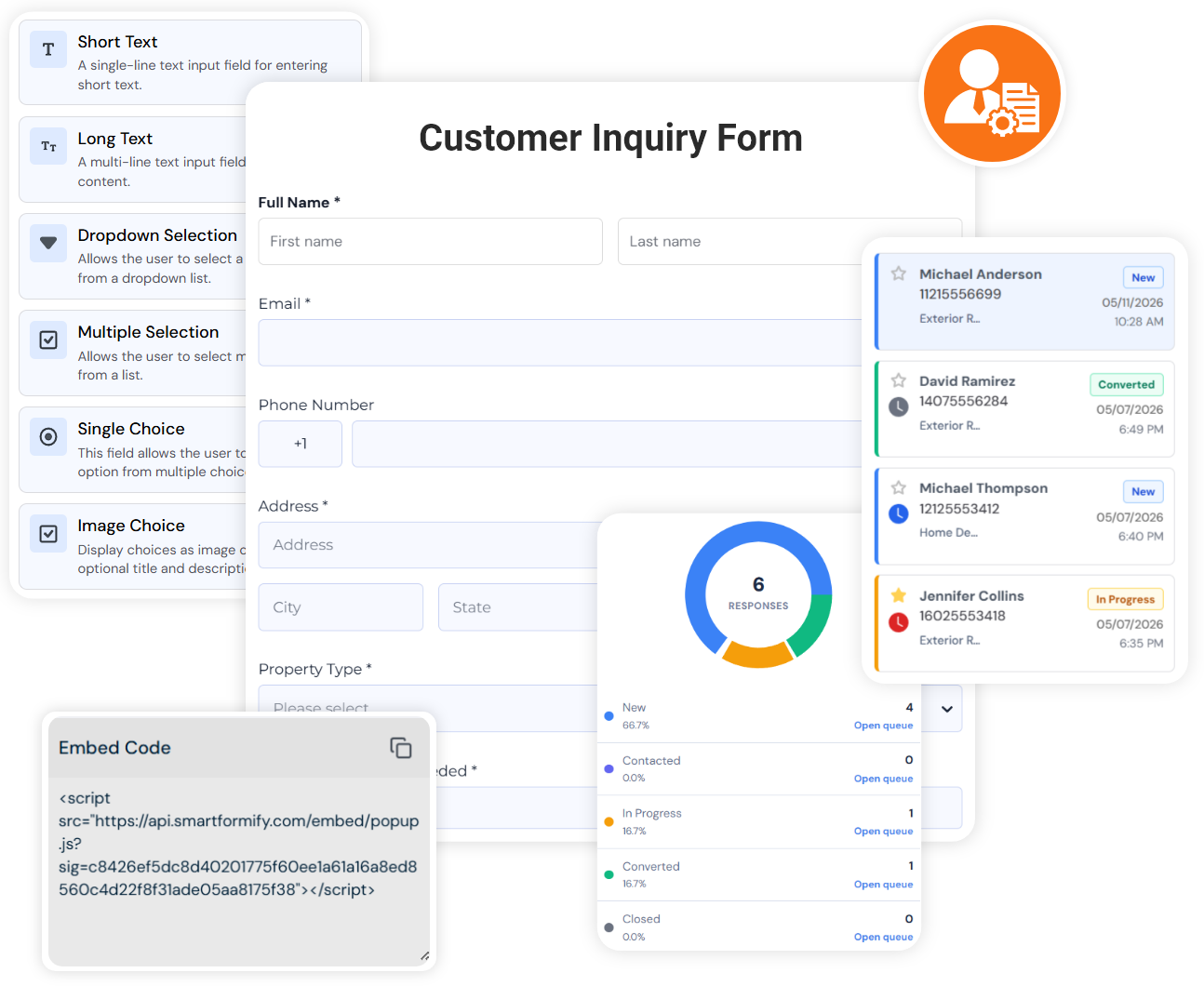
Organized by workflow
Start with the part of the enquiry flow you want to improve
A feature only matters when it helps a real request move forward. These groups follow the way a website form is created, published, reviewed, and shared.
Build forms
Start with the request your website needs to handle, then ask the right questions.
Publish and embed
Put forms where visitors already decide to contact you.
Manage responses
Keep each submission useful after the visitor clicks submit.
Response
Review answers, files, status, notes, and follow-up context together.
Form Notifications
Turn on submission emails and edit recipients, subject, and message.
Offline Form
Create printable offline versions of your forms for paper workflows.
Form Analytics
Review daily responses, outcomes, status, and follow-up health.
Internal Notes, Status, and Outcomes
Track what happened after the response arrived.
Connect workflows
Send copies to the tools your team already checks.
Google Sheets
Keep a spreadsheet copy of new responses.
Slack
Send enquiry alerts into a team channel.
Trello
Turn form submissions into trackable cards.
Google Calendar
Send appointment context into calendar workflows.
Analytics and Pixels
Use the Connect pages for Google Analytics, Google Tag Manager, and Meta Pixel setup.
Security and control
Keep public forms practical without leaving the response workflow loose.
Spam Protection
Reduce junk submissions before they crowd real enquiries.
Access Control
Review the public controls available around forms and account access.
Data Privacy
See how SmartFormify explains form data and privacy.
Form Limits
Choose a plan that fits the number of forms and responses you need.
Team Roles
Invite members and set Admin, Editor, or Viewer access.
Common starting points
Pick the feature closest to the problem you see today
If visitors send vague messages, start with the builder. If good enquiries get missed, start with notifications. If everything is spread across email, start with the dashboard.