Connect SmartFormify to Google Calendar
Create Google Calendar events from form responses when a request needs a date and time.
Choose the calendar, match the date and time fields, and decide what should appear in the title and notes.
Step 1: Open your form and select Google Calendar
Open the form you want to use, open the Connect menu, and choose Google Calendar.
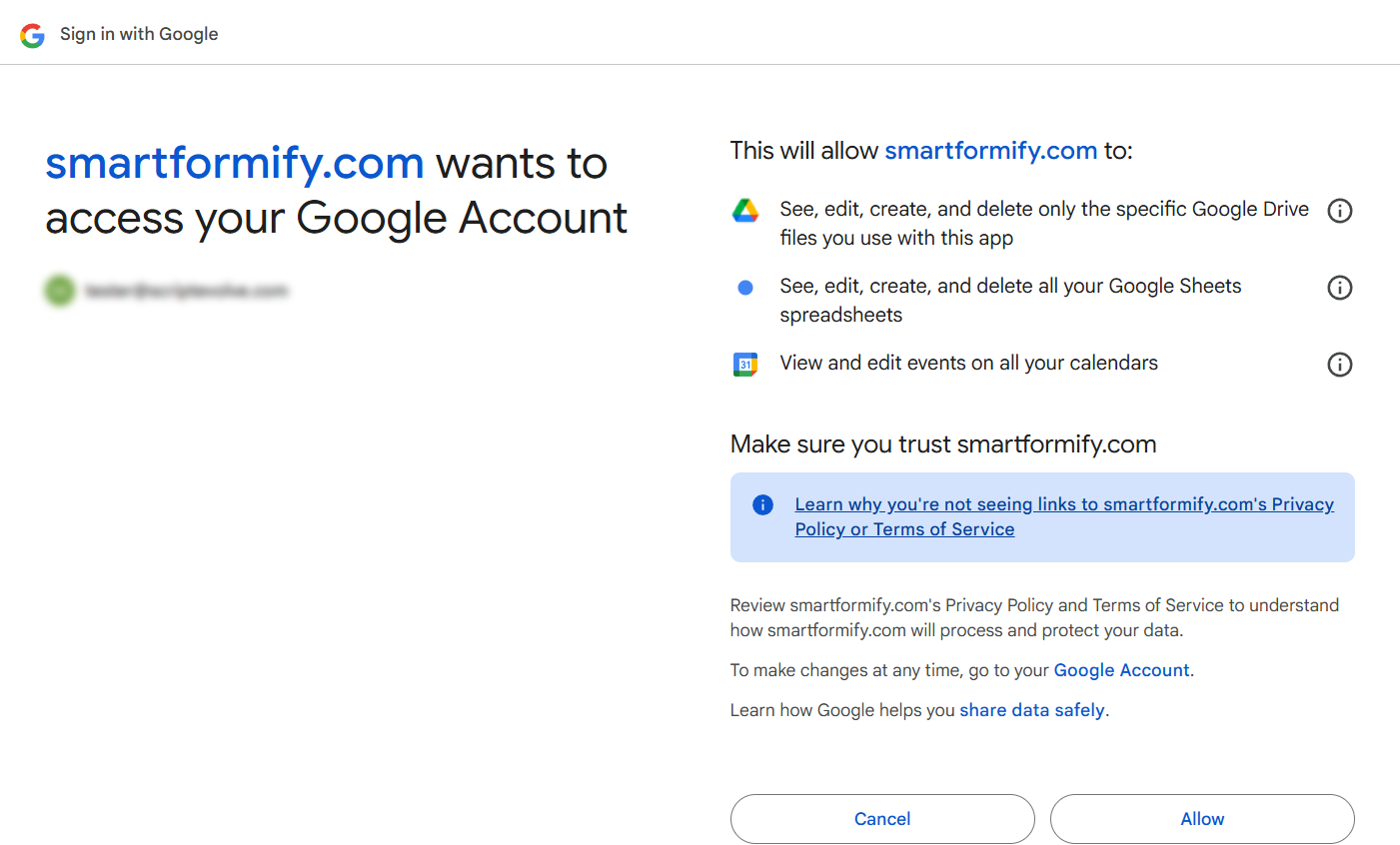
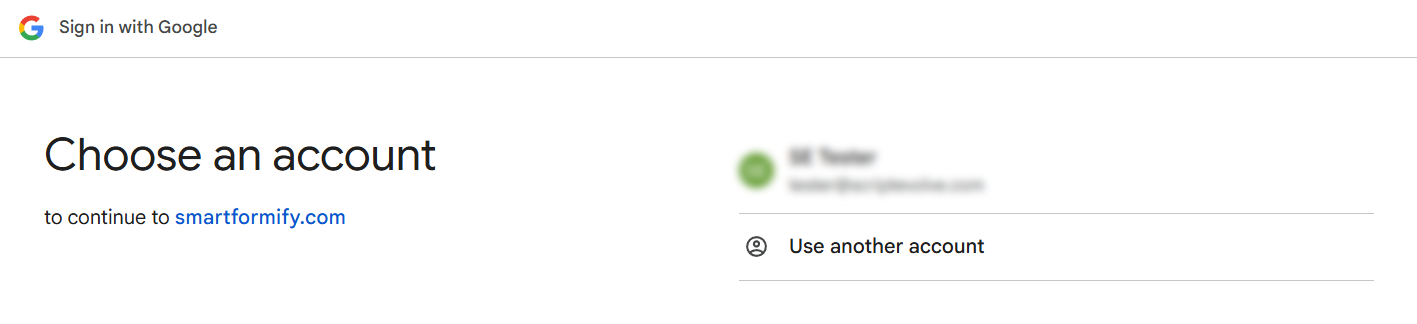
Step 2: Sign in and approve access
Sign in with the Google account that owns the calendar and allow SmartFormify to create events there.
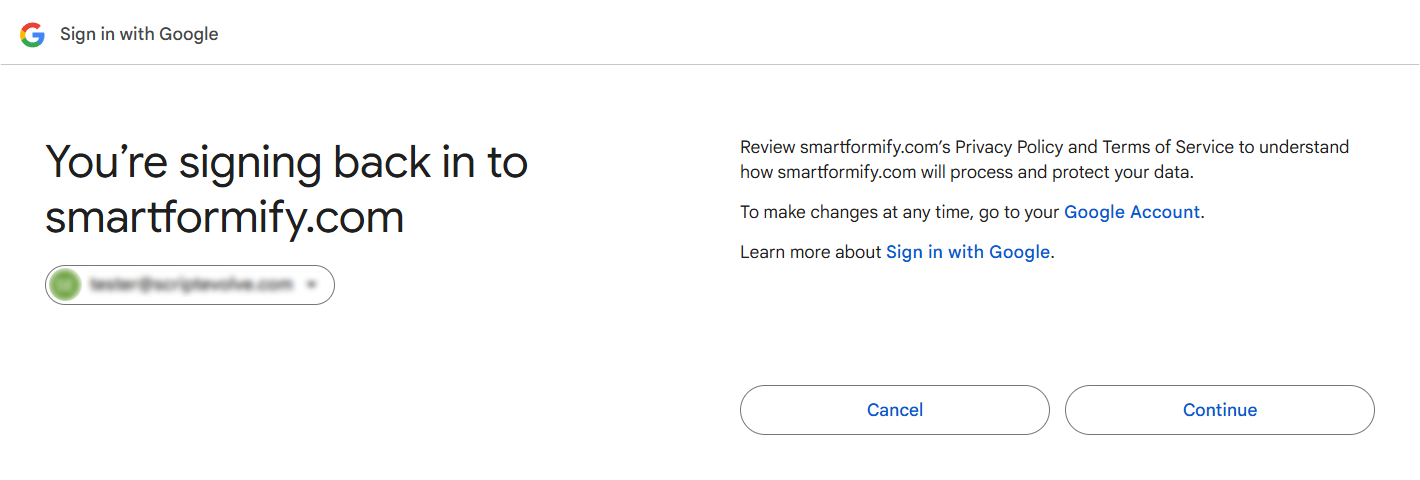
Step 3: Confirm the SmartFormify connection
Check the consent screen and confirm you are using the right Google account.
Step 4: Select a calendar and map fields
Choose the calendar, match your event fields, and save. You can use your own date or time fields when they are available.